
- Receive your unique join code via email
- Create a profile on the app (using the email you registered with)
- Enter your details
- Complete matchmaking
- Navigate to the 'People' tab
- Select a profile you want to connect with
- Click 'Connect +'
- Then select 'Suggest meeting'
Your Title Here
FT LIVE Event app
Powerful and relevant networking experience
The Commodities Asia Summit’s event and networking app is now live for you to start exploring!
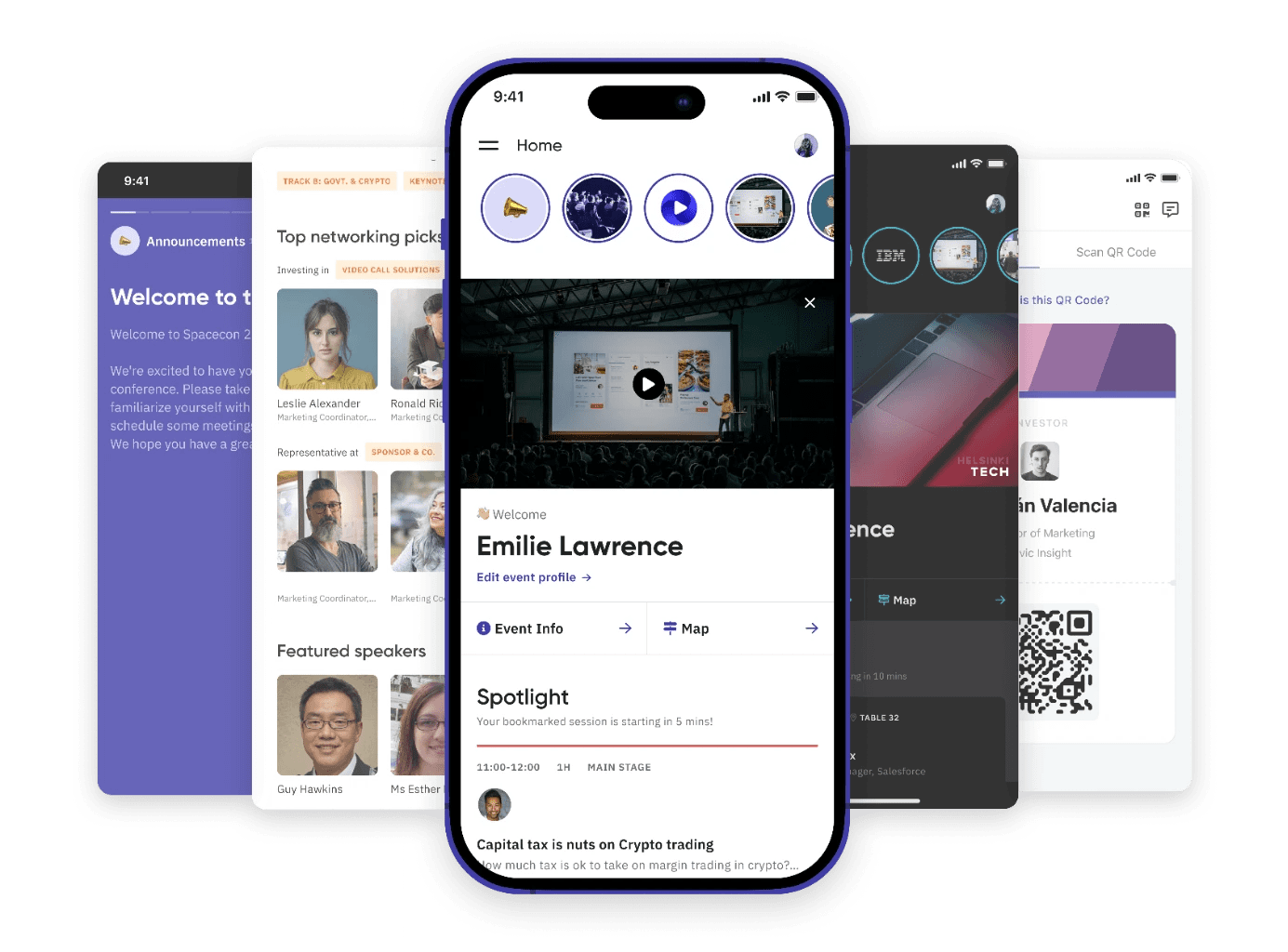
The FT Live Event App is a powerful networking tool that allows you to schedule one-to-one meetings with the most relevant attendees. Download the app today and start planning your visit. Create your own personal agenda by saving your favourite sessions and prepare for an incredible experience.
All registered delegates will receive their unique joining code and link on three weeks before the event.

In-person attendees
✓ Live broadcast
✓ See companies attending
✓ Send messages
✓ Schedule meetings

Digital attendees
✓ Live broadcast
✓ See companies attending
✕ Send messages
✕ Schedule meetings
Digital Attendees - Upgrade your pass to attend in-person and access networking. Contact shivani.budhdev@ft.com or email us at ftlive@ft.com.
How to join the FT Live Event App


Schedule a meeting
Once you complete your profile, you’ll see your recommended matches right away.
Remember to check whether they are attending 'in-person' or 'virtually' by checking out their profile and attendance type.
Connect in-person or online!
Start exploring the event app and see who you could be meeting in-person or connecting with online.
Download the FT Live Event App
.png)
Ahead of the event you can download the FT Live Event App on the App Store or Google Play.
Once you have created your profile, sign in to the app by entering the Email Address you registered to the event with.
Need help?
FAQs
Find answers to common questions on our help page.
Contact us
If you need further assistance:
Email – Reach us at ftlive@ft.com
Phone – Call us at +44 (0) 207 775 6653
Our customer service team is available Monday to Friday, 9am to 5pm BST and happy to assist you.